When you complete a journey, Collegial issues you a personalised certificate. You can view and download it as a PDF.
TABLE OF CONTENTS
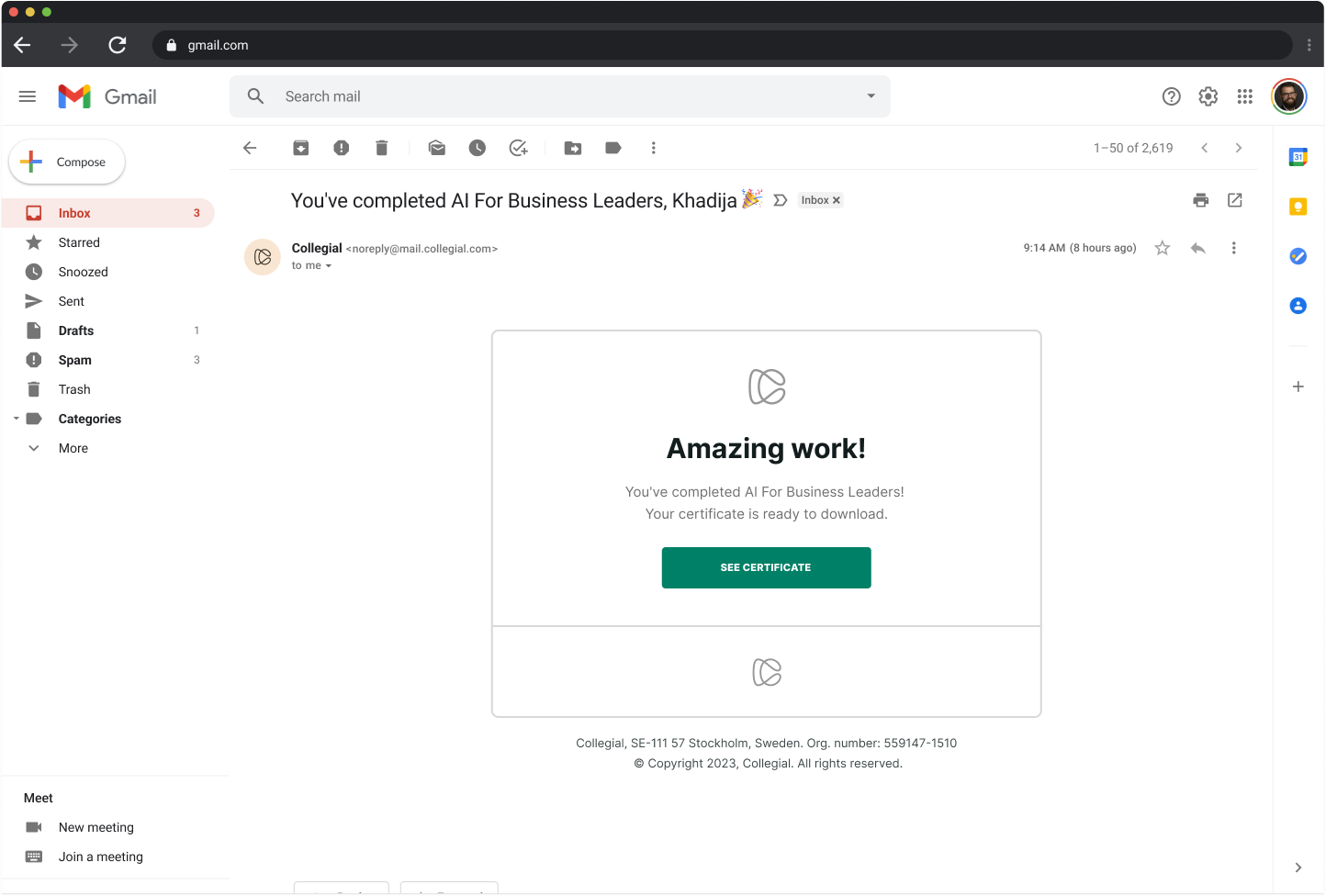
Completion email
When you complete a journey, Collegial sends you a one-time email personalised with your first name and the journey title.
- Open the email and click "SEE CERTIFICATE"
This takes you directly to your Certificate page.
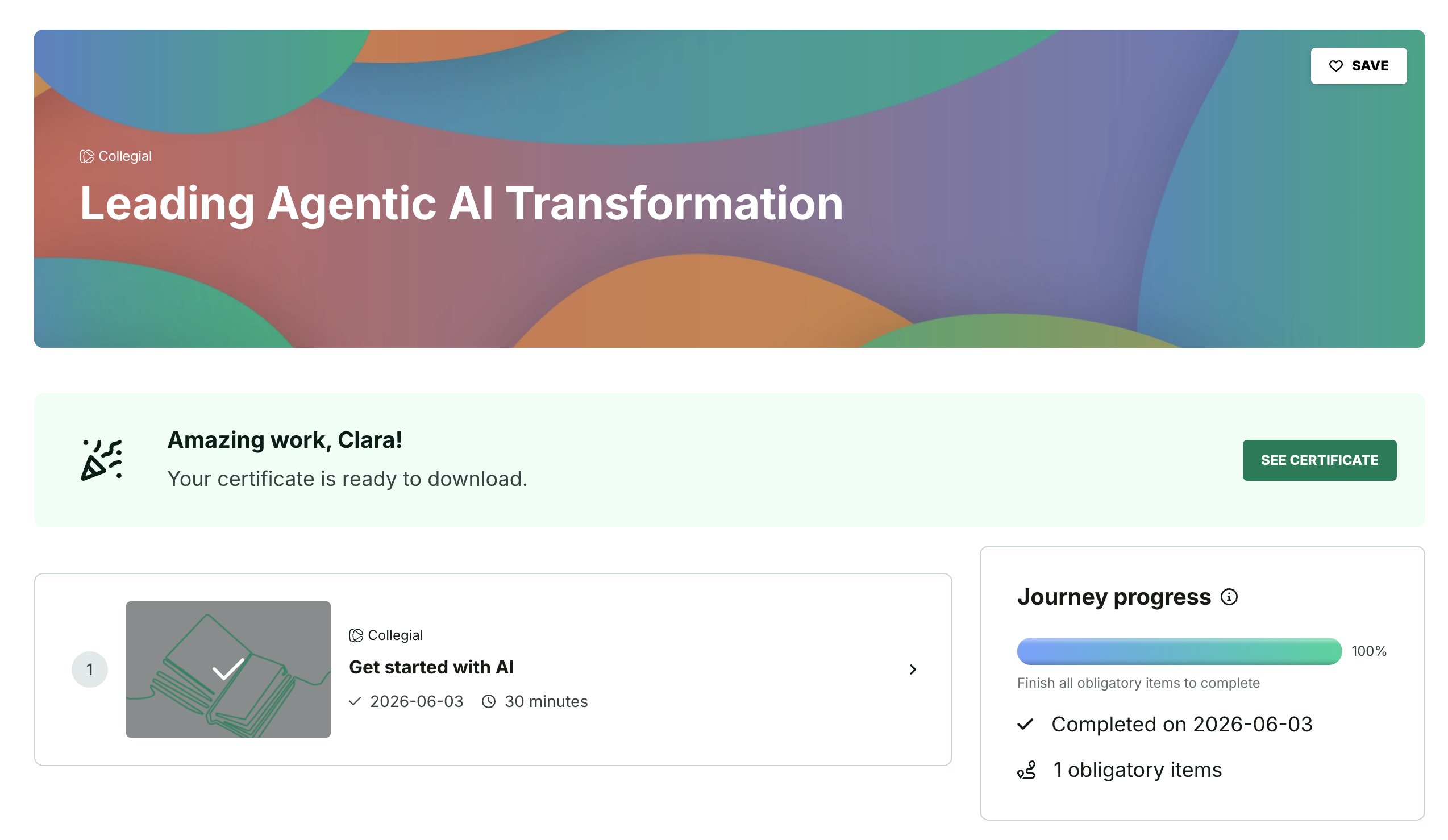
Certificate banner on the journey page
A banner appears at the top of the journey page once you complete a journey. The banner is permanent — it does not disappear between sessions.
- Click "SEE CERTIFICATE" in the banner
This takes you directly to your Certificate page.
Viewing and downloading your certificate
Your Certificate page shows your personalised certificate.
- Click "DOWNLOAD PDF" to save the certificate to your device
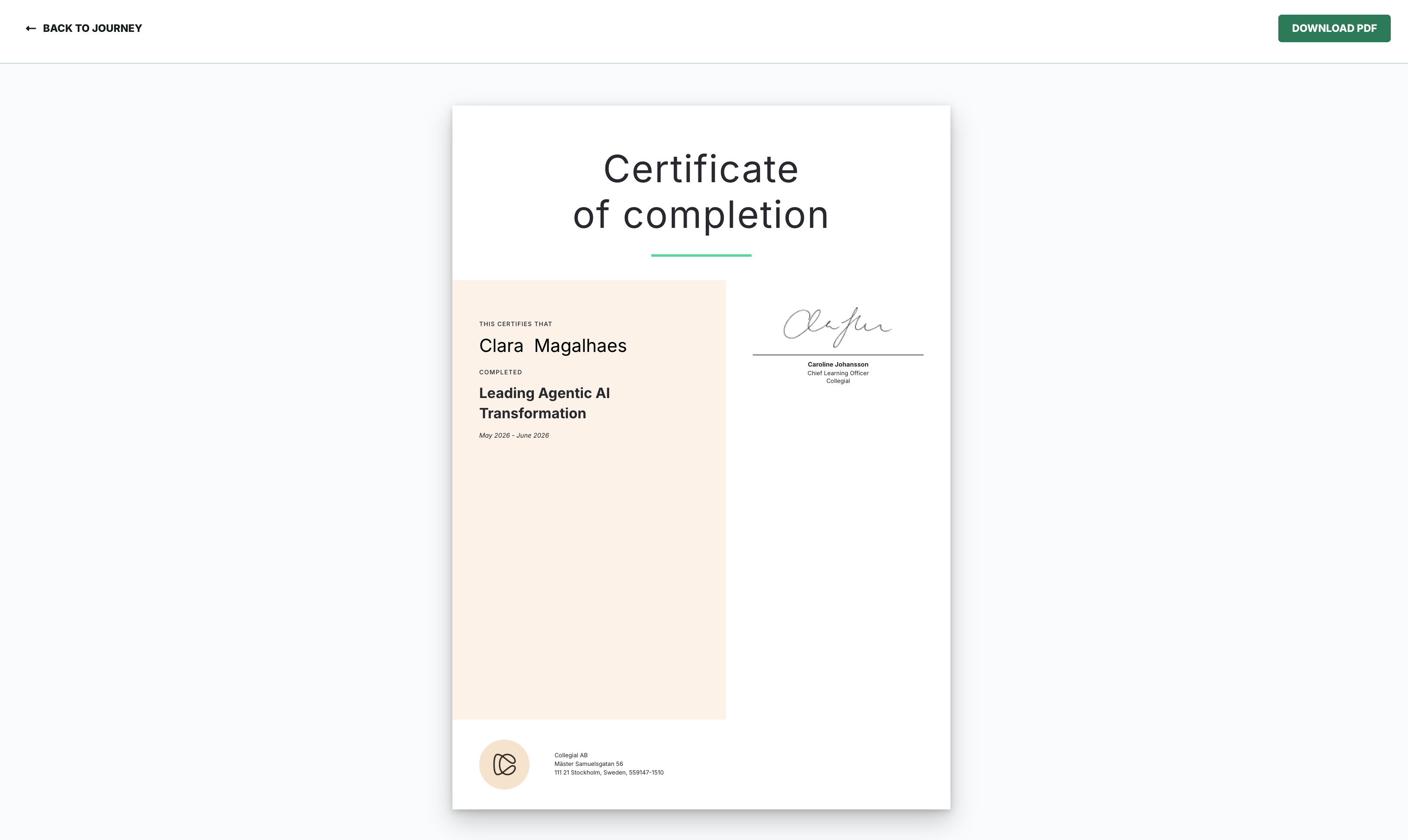
The file downloads immediately.
You can return to the Certificate page at any time via the banner on the journey page.
Was this article helpful?
That’s Great!
Thank you for your feedback
Sorry! We couldn't be helpful
Thank you for your feedback
Feedback sent
We appreciate your effort and will try to fix the article