Learners must join a journey before they can consume its content. This allows Collegial to track progress, provide next-step prompts, and send event reminders.
TABLE OF CONTENTS
Learning journeys feature the following support for learners:
How joining works
When a learner attempts to engage with a journey item without having joined, they are prompted to join.
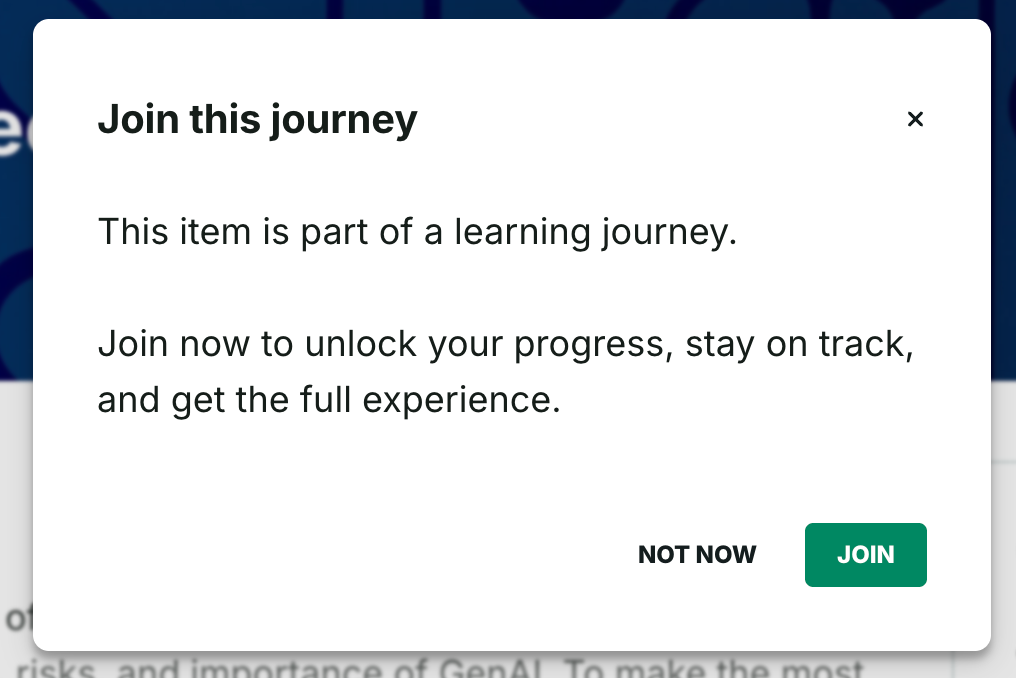
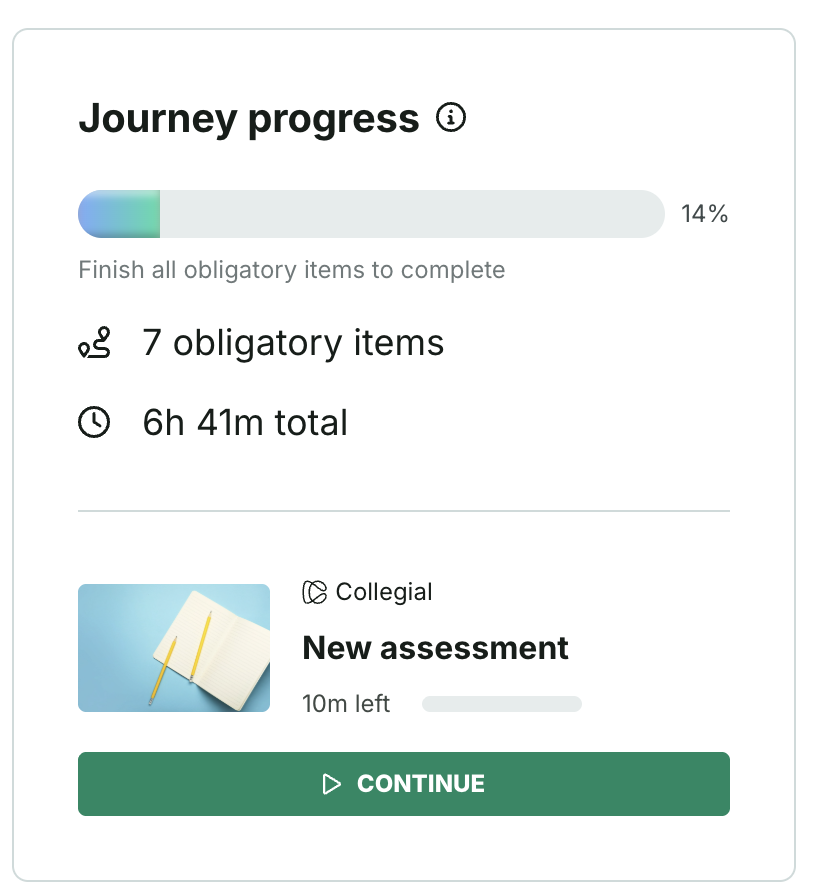
After joining:
- The progress bar activates and shows how close the learner is to completing the journey — see Journey progress for details on how progress is calculated
- Next-step prompts indicate where to start or continue
- Event reminders activate for any scheduled live events
Upcoming Events
The upcoming event container keeps time-sensitive sessions visible as learners navigate content.
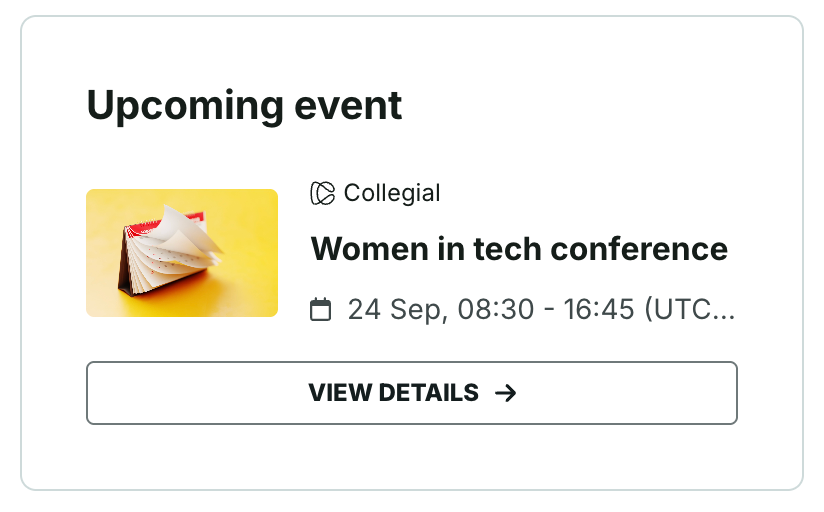
The container only displays when a live event exists in the journey. It shows the date, time, and location (when applicable) to help learners plan attendance without losing track of their current flow.
Was this article helpful?
That’s Great!
Thank you for your feedback
Sorry! We couldn't be helpful
Thank you for your feedback
Feedback sent
We appreciate your effort and will try to fix the article