TABLE OF CONTENTS
Accessing quiz results
To access quiz results:
- Go to the “Content” tab in the manager view
- Find the course that contains the quiz you want to analyze
- Click the course
- Open the “Pages” tab
- Select the quiz page you want to review
This opens the Insights view for the selected quiz.
Selecting a team
If you manage more than one team:
- See the selector at the top of the page
- Choose the team whose quiz results you want to analyze
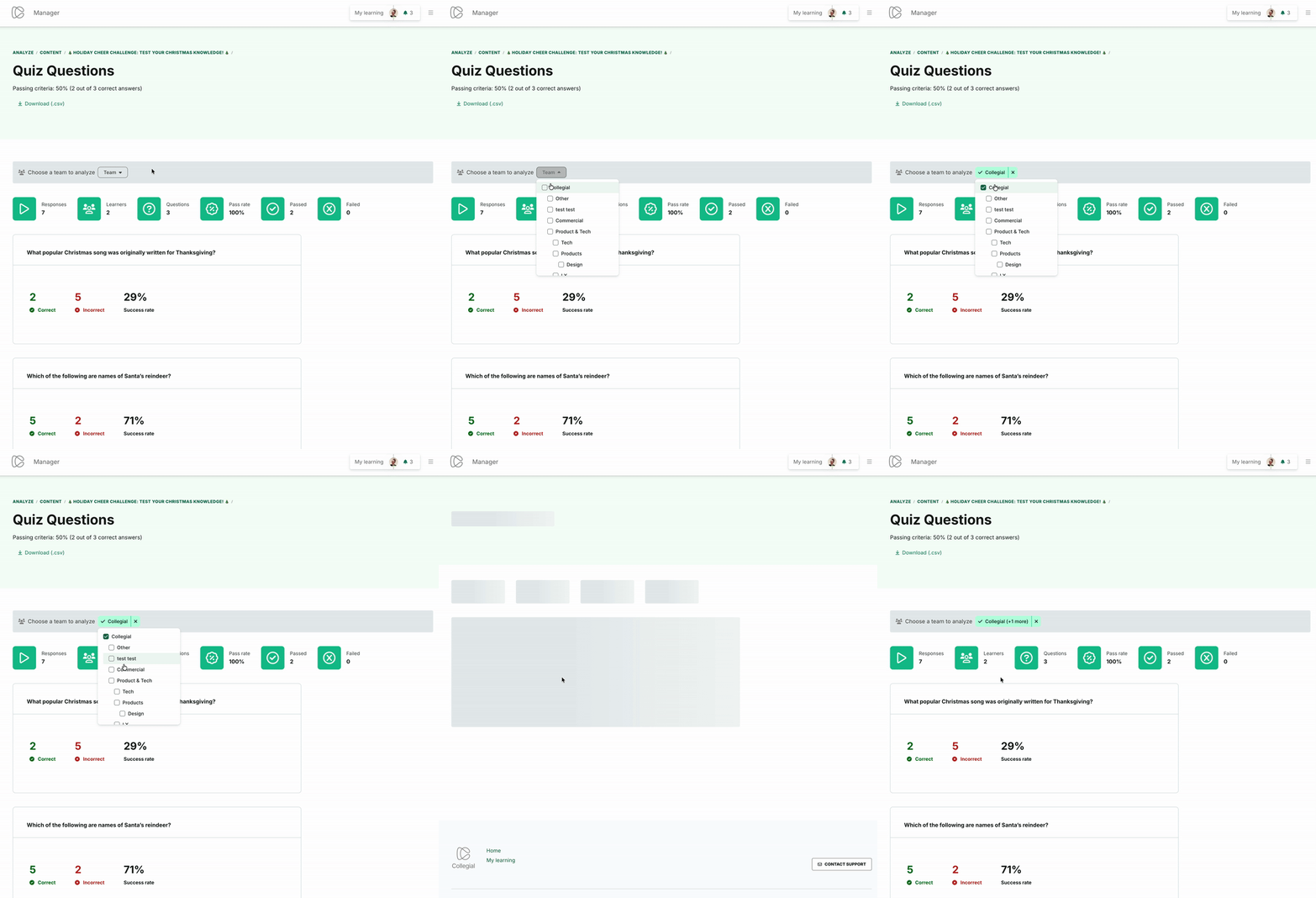
The Insights page updates automatically based on the selected team.
Viewing quiz performance metrics
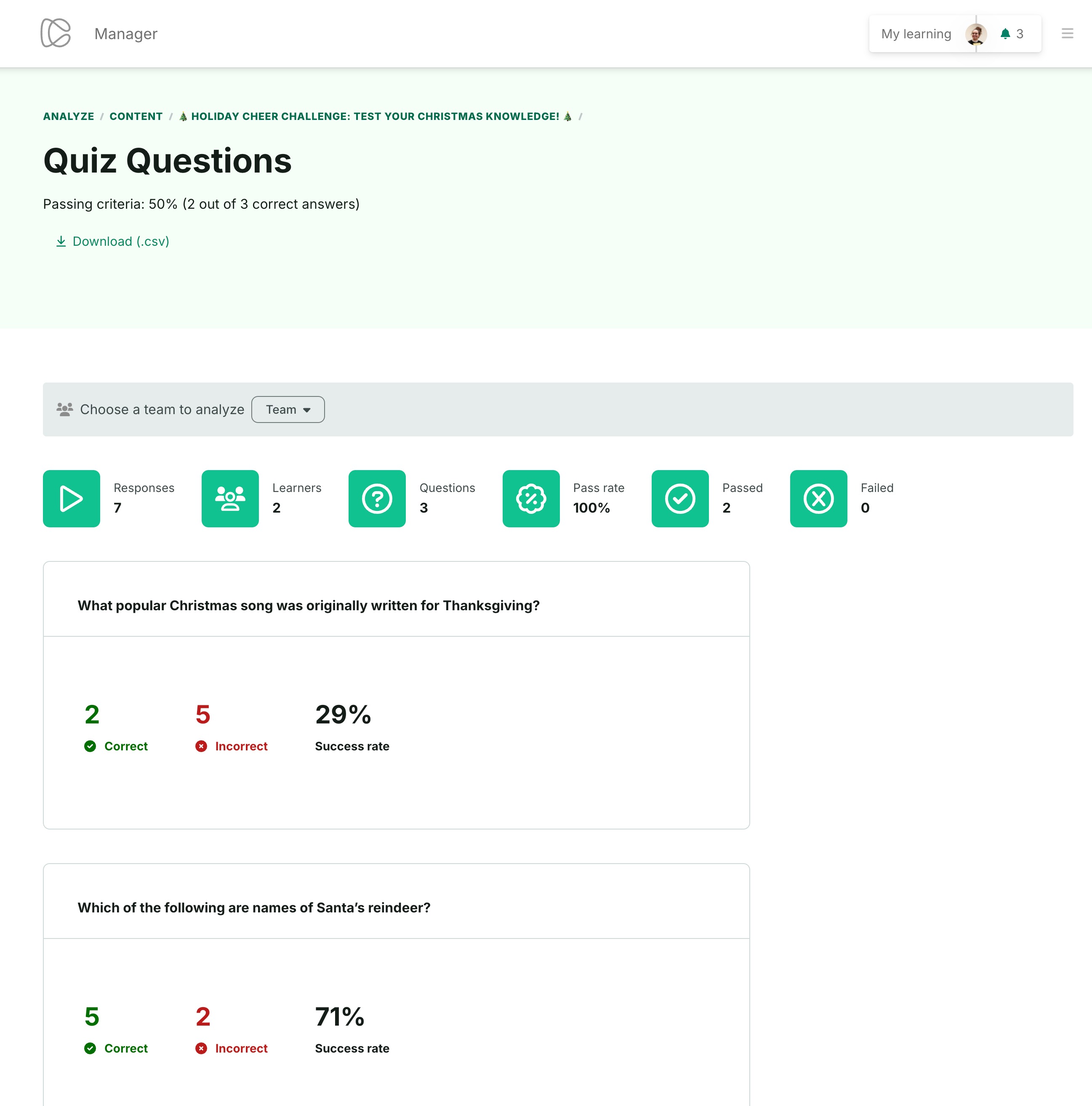
When passing criteria are enabled, the quiz Insights page shows:
- Pass rate
- Passed
- Failed
These metrics reflect performance based on the quiz’s configured passing score.
Exporting quiz data
To export detailed quiz performance:
- Click “Download”
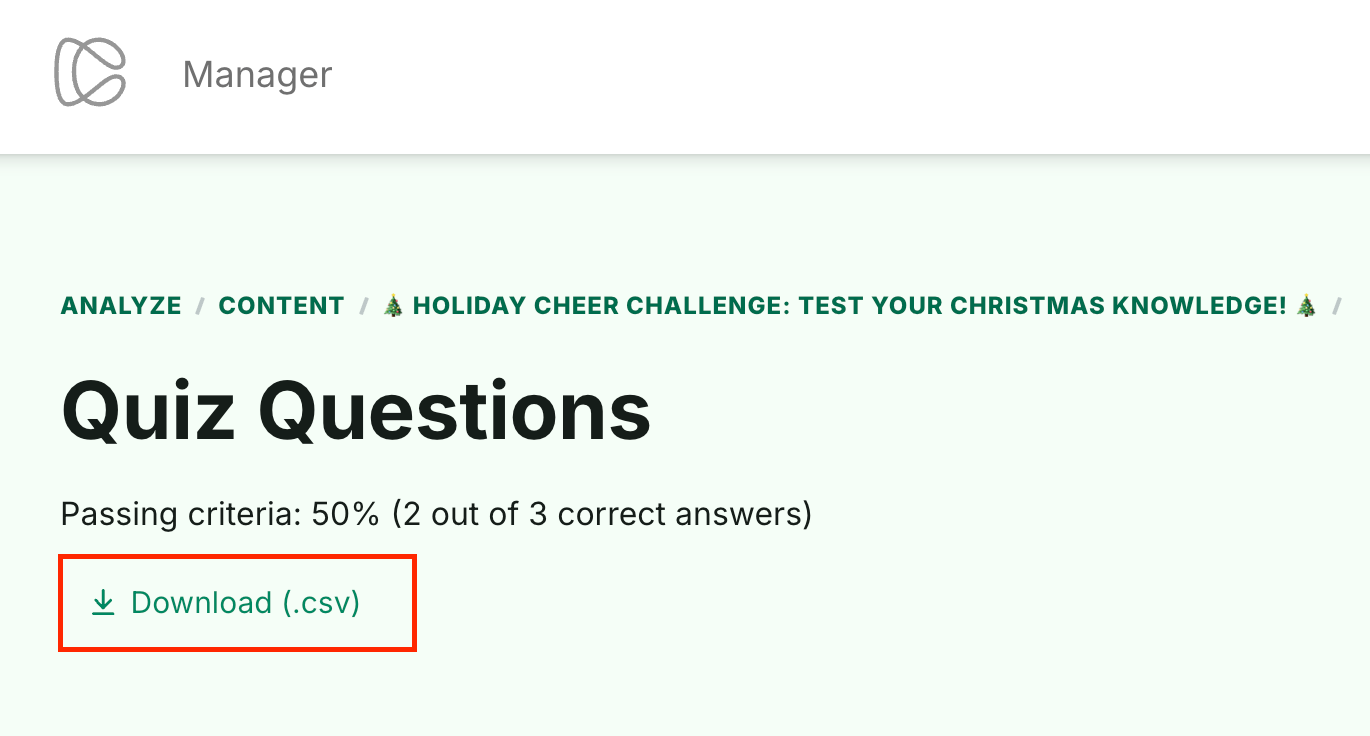
The export includes:
- The passing score configured for the quiz
- Each attempt’s status (Passed or Failed)
This provides a complete view of team performance for further analysis or reporting.
Note: Updates on the Insights pages may take up to 72 hours to appear.
Was this article helpful?
That’s Great!
Thank you for your feedback
Sorry! We couldn't be helpful
Thank you for your feedback
Feedback sent
We appreciate your effort and will try to fix the article